What is a High School Cover Letter PDF?
A high school cover letter PDF is a formal document that accompanies your resume when applying for jobs, internships, or volunteer positions. It serves as a personal introduction, allowing you to highlight your skills, experiences, and qualifications in a way that a resume alone cannot. The PDF format ensures that your cover letter’s formatting remains consistent across different devices and operating systems, making it a reliable way to present your application materials. Creating a professional cover letter is crucial for high school students as it demonstrates their professionalism and attention to detail, which are highly valued by potential employers and organizations. Remember, this is your first impression; make it count with a well-crafted high school cover letter PDF.
Why You Need a Cover Letter PDF
A high school cover letter PDF is essential for several reasons. Firstly, it provides an opportunity to showcase your personality and enthusiasm, which might not be evident from your resume. Secondly, it allows you to explain any gaps in your experience or unusual circumstances. Furthermore, a cover letter demonstrates your written communication skills, a crucial asset in any job or academic setting. Converting your cover letter to PDF is the best way to ensure compatibility, as it preserves the formatting and layout, making it viewable on any device. This is especially important if the potential employer has specific guidelines for the application process, it is always recommended to create a PDF version of your document. This approach enhances your chances of getting noticed and making a positive impact.
Key Elements of a High School Cover Letter

A well-structured cover letter comprises several key elements. These components work together to present you as a capable and enthusiastic candidate. By understanding and implementing these elements, you can create a compelling cover letter. Each section serves a specific purpose in highlighting your qualifications and expressing your interest in the opportunity.
Contact Information
Start with your full name, address, phone number, and email address at the top of the letter. This information is essential for the recipient to contact you. Make sure your email address is professional; avoid using nicknames or informal language. Place the date and the recipient’s contact information (name, title, company, and address) below your information. This helps the employer quickly identify who is sending the letter and where it is intended to go. Accuracy in this section is critical to ensure your application reaches the right person.
Opening Paragraph
The opening paragraph is your first chance to grab the reader’s attention. State the position you are applying for and how you learned about it (e.g., job posting, referral). Briefly express your interest in the opportunity and mention a key skill or experience that makes you a good fit. This introduction sets the tone for the rest of the letter and encourages the reader to continue.
Body Paragraphs

The body paragraphs should elaborate on your skills, experiences, and qualifications. Use this section to provide specific examples that demonstrate your abilities. Address the requirements of the job or opportunity and explain how your background aligns with those needs. Tailor these paragraphs to the specific position and the employer, referencing the job description and company values whenever possible. The body paragraphs should show, not just tell, the reader why you are a suitable candidate.
Highlighting Skills and Experience
Focus on the skills and experiences that are most relevant to the position. Provide examples of how you have used these skills in the past. If you lack direct work experience, highlight skills gained through extracurricular activities, volunteer work, or academic projects. Quantify your achievements whenever possible (e.g., “Increased sales by 15%” or “Managed a team of 5 students”). This part is to show why you are suitable.
Showcasing Education and Achievements
Include your academic background, mentioning your school, GPA (if impressive), and any relevant coursework. Highlight any academic achievements, such as honor roll, awards, or special projects. Discuss any extracurricular activities that have helped you develop skills valuable to the job, such as leadership, teamwork, or communication. This will help you stand out from other applicants.
Closing the Letter

In the closing paragraph, reiterate your interest in the position and thank the reader for their time and consideration. Express your willingness to discuss your qualifications further and mention your availability for an interview. Keep the tone positive and enthusiastic. This final paragraph reinforces your commitment to the opportunity.
Call to Action
End your cover letter with a clear call to action. This might involve stating that you look forward to hearing from them or that you are available for an interview at their earliest convenience. Providing this direct statement is helpful to the person reading the letter and shows that you are serious.
How to Create a High School Cover Letter PDF
Creating a high school cover letter PDF involves several steps, from choosing the right software to formatting, converting, and proofreading your document. Following these steps ensures that your cover letter is professional, well-presented, and easy to read. This meticulous approach increases your chances of making a positive impression.
Choosing the Right Software

Several software options can help you create a cover letter. Microsoft Word is a popular choice, offering templates and formatting tools suitable for cover letters. Google Docs is another excellent option, providing similar features and accessibility from any device. Online cover letter builders are also available, which guide you through the process and offer pre-designed templates. Choose the software that best suits your needs and comfort level.
Formatting Your Letter
Use a professional and readable font, such as Times New Roman, Arial, or Calibri. Maintain consistent formatting throughout the document, including font size (typically 11 or 12 points), spacing, and margins. Use a clear and concise layout with appropriate headings and paragraphs to improve readability. Avoid using excessive colors, graphics, or overly elaborate designs. Strive for a clean, professional look.
Converting to PDF
Once you’ve completed your cover letter, save it as a PDF. In most word processing software, this is as simple as selecting “Save As” and choosing “PDF” from the file format options. Converting to PDF preserves your formatting and ensures that the document looks the same regardless of the recipient’s software or device. Always double-check your PDF to ensure that all formatting is correct before sending it.
Proofreading and Editing

Proofread your cover letter carefully for any grammatical errors, spelling mistakes, or typos. Have a friend, family member, or career counselor review your letter as well. They can provide an objective perspective and catch any errors you might have missed. Ensure that the tone and content are appropriate for the position and the employer. A polished cover letter is essential for making a positive impression.
Tips for a Standout Cover Letter PDF
To make your cover letter stand out, consider these tips. Demonstrating initiative and attention to detail is always important. Focus on what makes you unique and why you are a strong candidate. A well-crafted cover letter sets you apart from the competition.
Tailoring Your Letter
Customize your cover letter for each job application. Review the job description carefully and highlight the skills and experiences most relevant to the position. Address the specific requirements of the employer and explain how your qualifications align with their needs. Avoid using a generic template; personalize each letter to demonstrate your genuine interest in the opportunity. This targeted approach will help you leave a positive impression.
Keywords Optimization

Incorporate keywords from the job description into your cover letter. This can help your application get noticed by applicant tracking systems (ATS) and recruiters. Use relevant terms to describe your skills and experiences. While keyword optimization is important, avoid keyword stuffing, which can make your letter sound unnatural. Focus on a good balance between using relevant keywords and writing in a natural, engaging style.
Following Up After Submission
After submitting your cover letter and resume, follow up with the employer. Send a polite email a week or two after submitting your application to reiterate your interest and inquire about the status of your application. This shows initiative and demonstrates your genuine interest in the position. Ensure your communication is professional and courteous. The appropriate way to send this is via email.
Ensuring Compatibility
Always save your cover letter as a PDF to ensure that it is compatible with different devices and software. PDF files preserve the formatting and layout of your document, so your cover letter will look the same regardless of the recipient’s system. Double-check your PDF to ensure all elements are displayed correctly before sending it. Ensuring compatibility is very important.
Example High School Cover Letter PDF

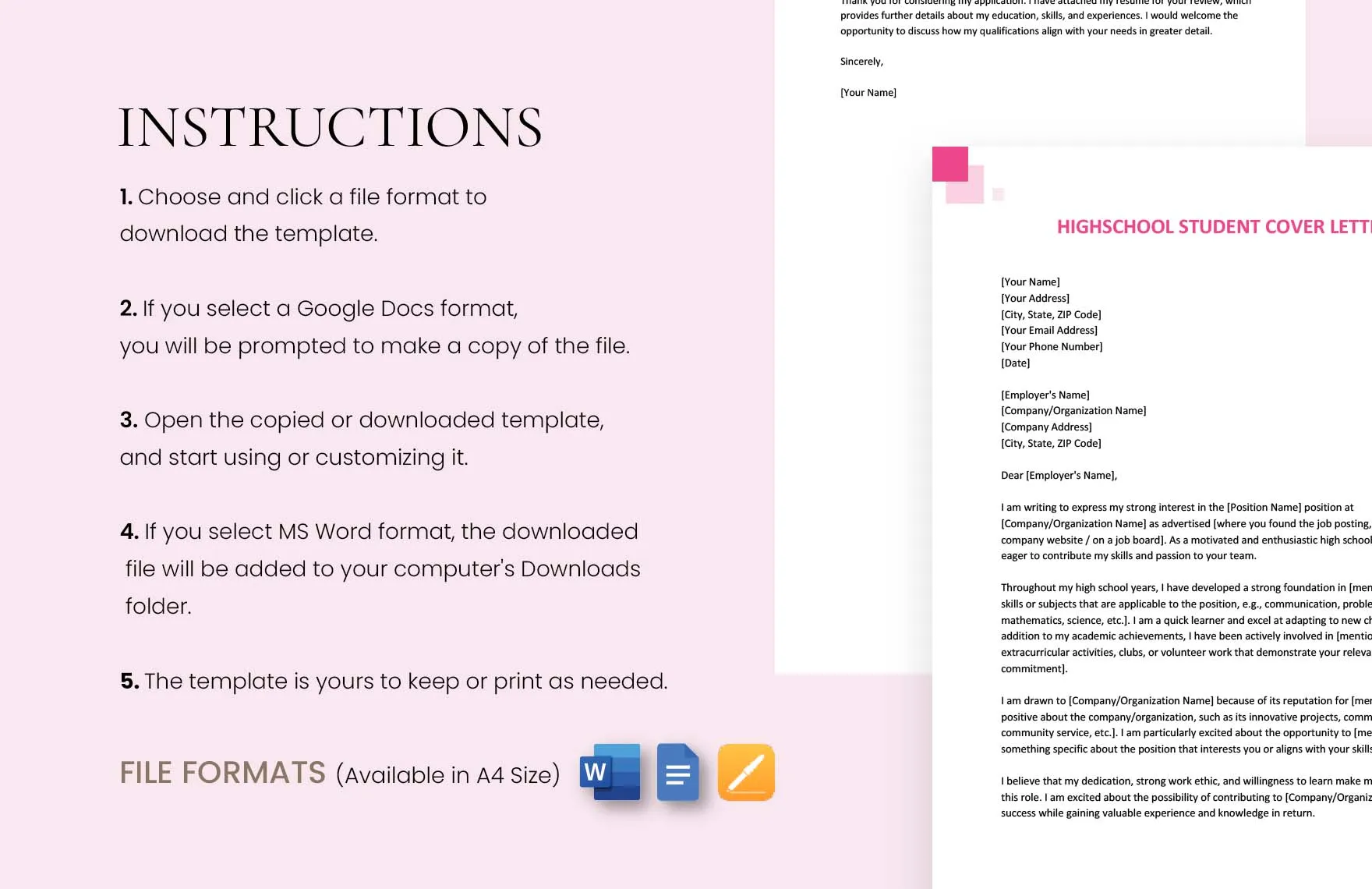
Here’s a general example to help you get started. Remember to customize it based on the specific job and your qualifications. (Your Name) (Your Address) (Your Phone Number) (Your Email) (Date) (Recipient Name) (Recipient Title) (Company Name) (Company Address) Dear [Mr./Ms./Mx. Last Name], I am writing to express my interest in the [Job Title] position at [Company Name], as advertised on [Platform]. I am a highly motivated [Grade Level] student at [High School Name] with a strong interest in [Industry/Field]. In my role as [Your Previous Role], I developed [List of Skills]. I am excited about the opportunity to contribute to [Company Name] and believe my skills and enthusiasm align well with your requirements. Thank you for your time and consideration. I look forward to hearing from you soon. Sincerely, [Your Name]
Template for High School Cover Letter PDF
Use the following template as a starting point. Remember to tailor it to each application. Start with your contact information, then the date, and the employer’s contact information. Address the hiring manager with a professional greeting. In the first paragraph, state the position and where you found it, and express your interest. In the following paragraphs, highlight your skills, experiences, and achievements, relating them to the job requirements. Close by reiterating your interest, thanking the reader, and providing a call to action. Sign off with a professional closing and your name. Remember to save the final product as a PDF.
In conclusion, a well-crafted high school cover letter PDF is a powerful tool that can significantly enhance your job application. By following the key elements, utilizing the right software, and tailoring your letter to each opportunity, you can create a document that effectively showcases your skills and qualifications. Remember to always proofread your work, ensure compatibility, and make a lasting impression on potential employers. Good luck with your job search!